Browse everything
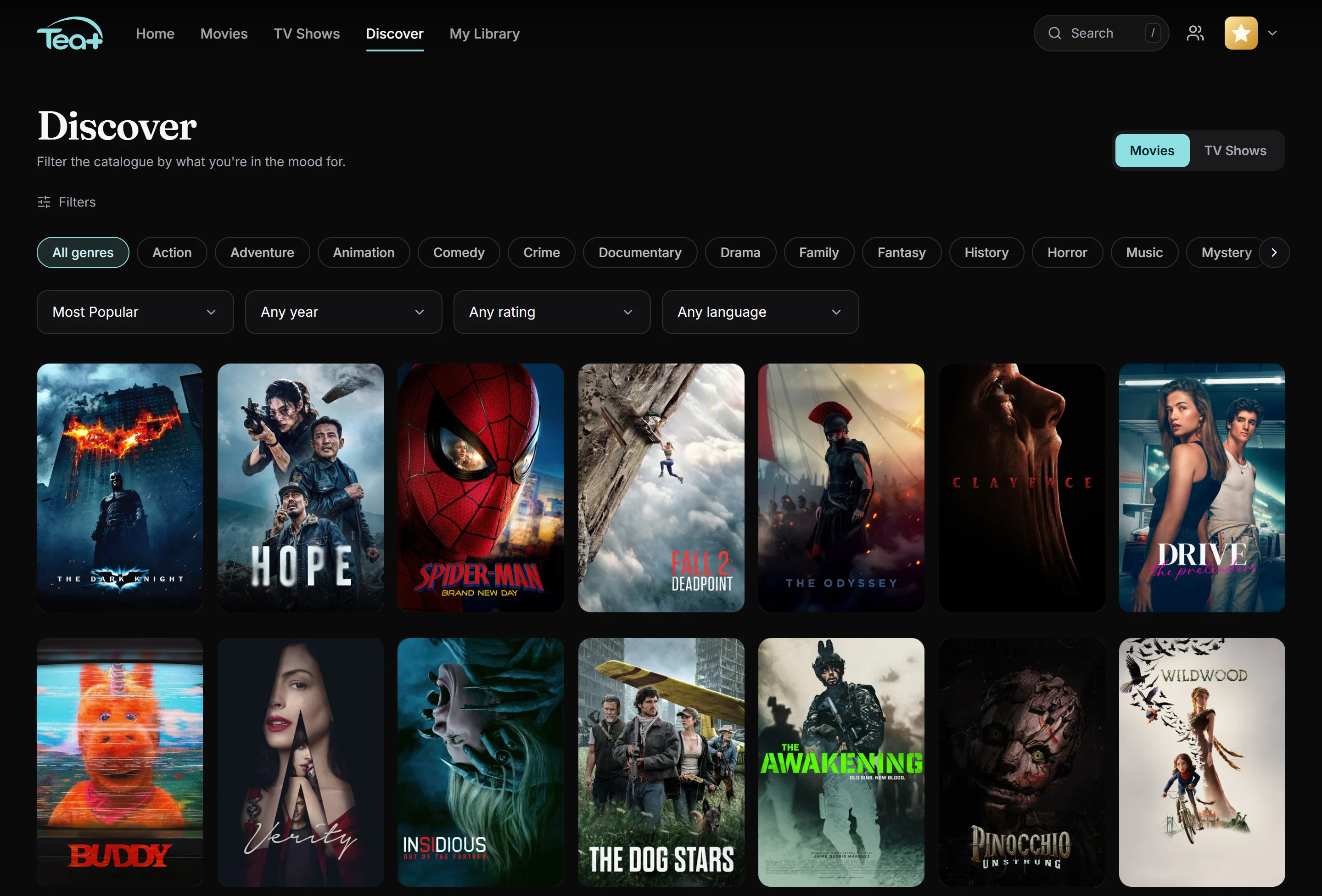
Trending, popular, new releases and genres, plus a Discover page with filters. Keep scrolling and more keeps loading.
Movies · Series · Your sources
Tea+ is a cinematic home for everything you watch, with personal profiles, beautiful discovery and a proper player. Free for Windows.

Features
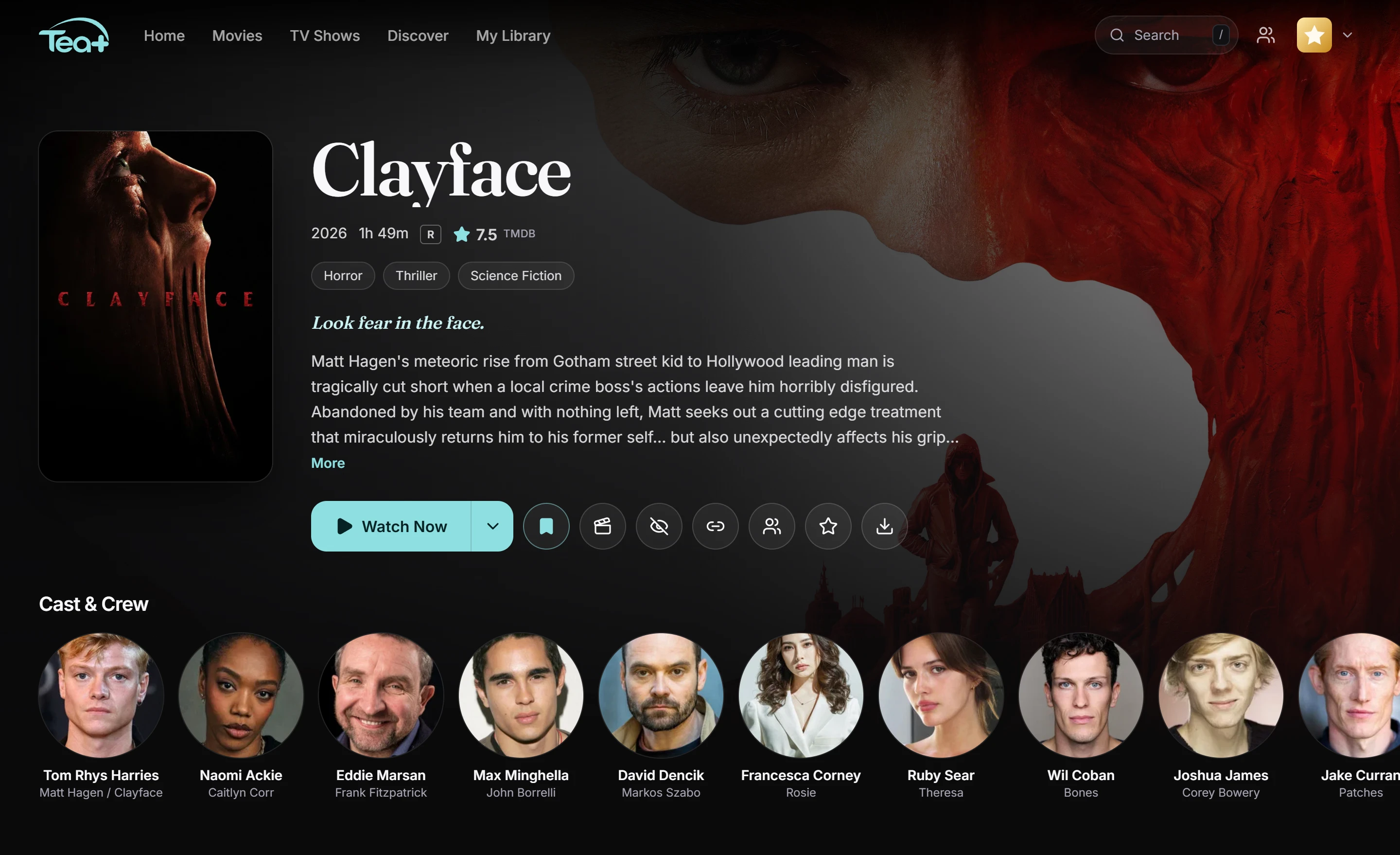
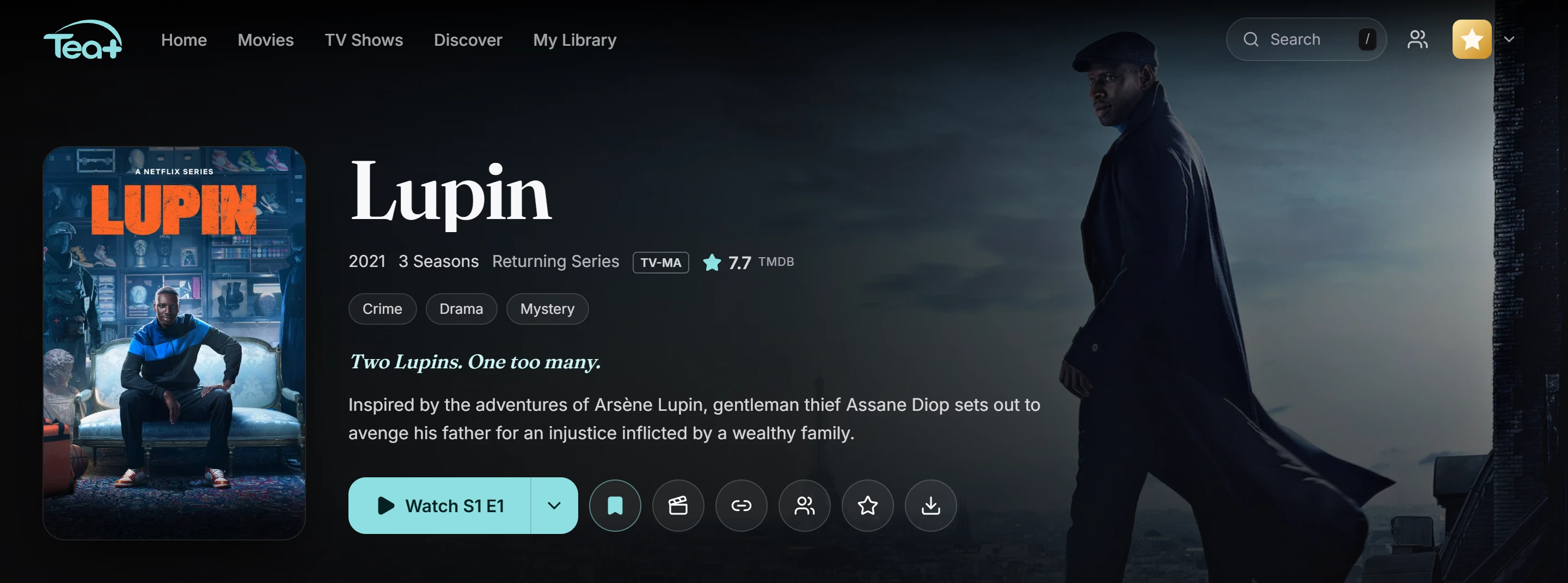
Browse, play and share without juggling tabs. Your profiles, library and history follow you to any PC.
Trending, popular, new releases and genres, plus a Discover page with filters. Keep scrolling and more keeps loading.
Add your own addons or import the ones you already use. Tea+ asks them all at once and groups the results.
Connect your own Real-Debrid account. Streams marked Instant play straight away, and Find best stream picks one for you.
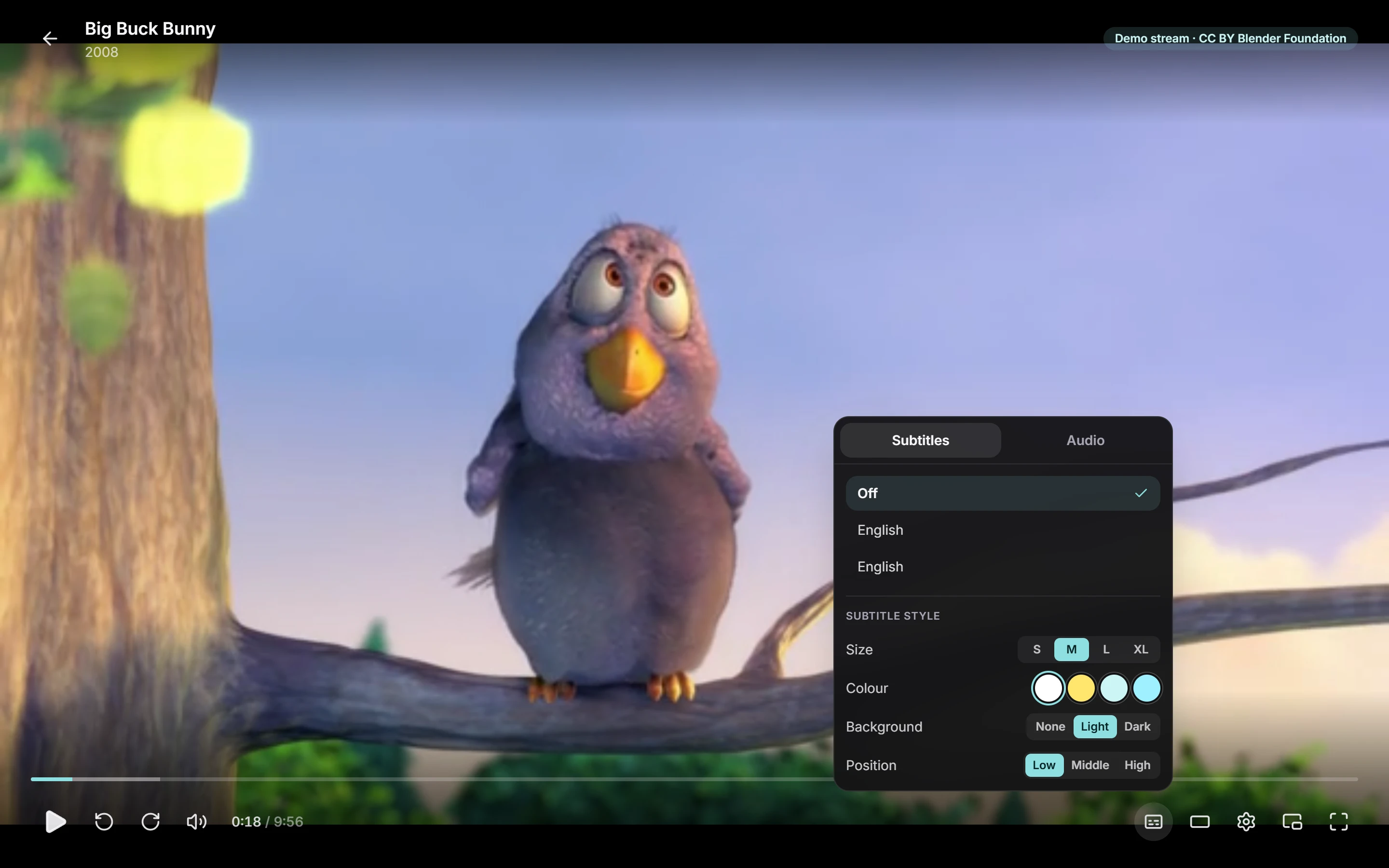
Subtitles you can resize, recolour and re-time, audio switching, picture fit for ultrawide, pin on top and a mini player.
Dolby and DTS audio is converted while you watch, so films never play silently.
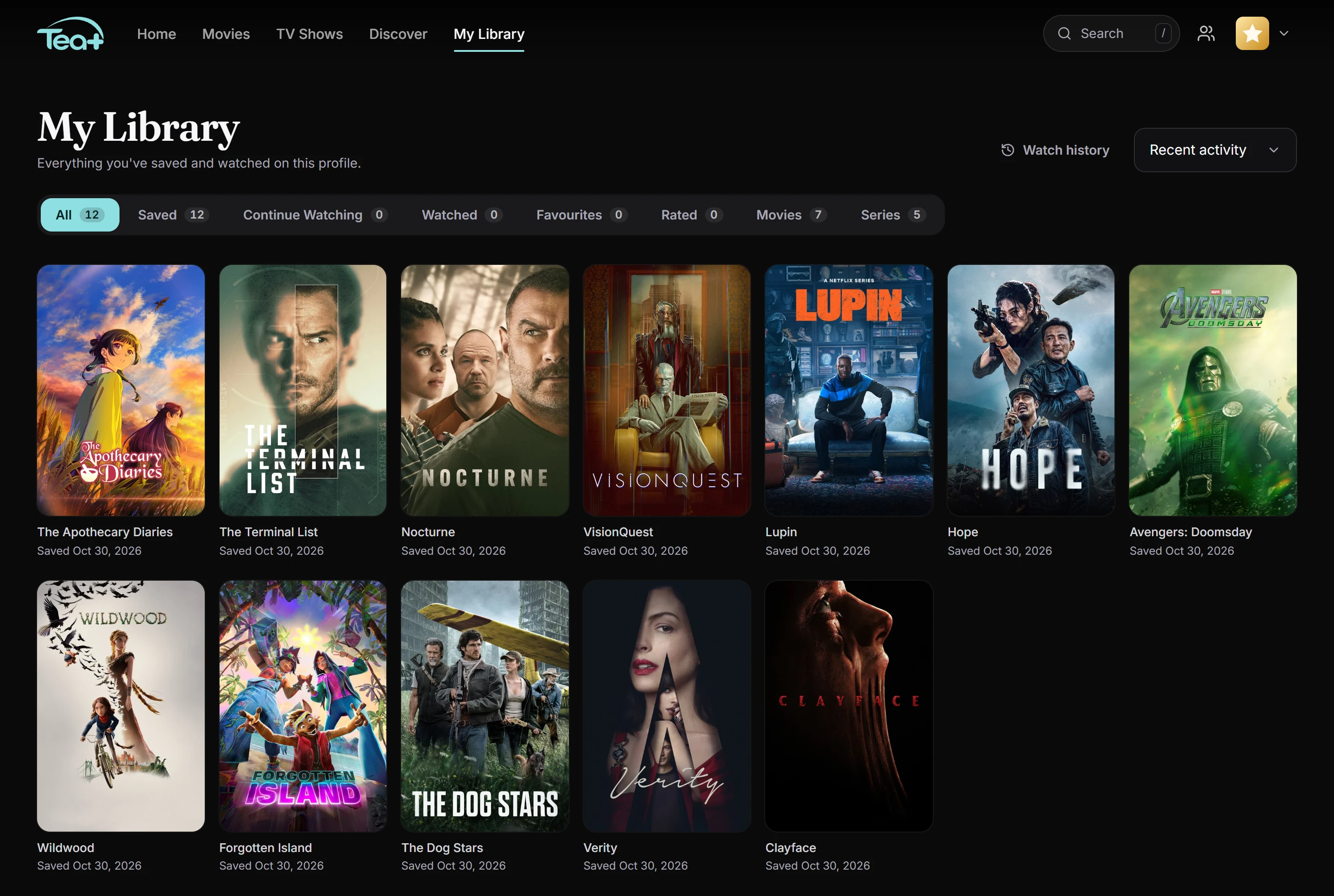
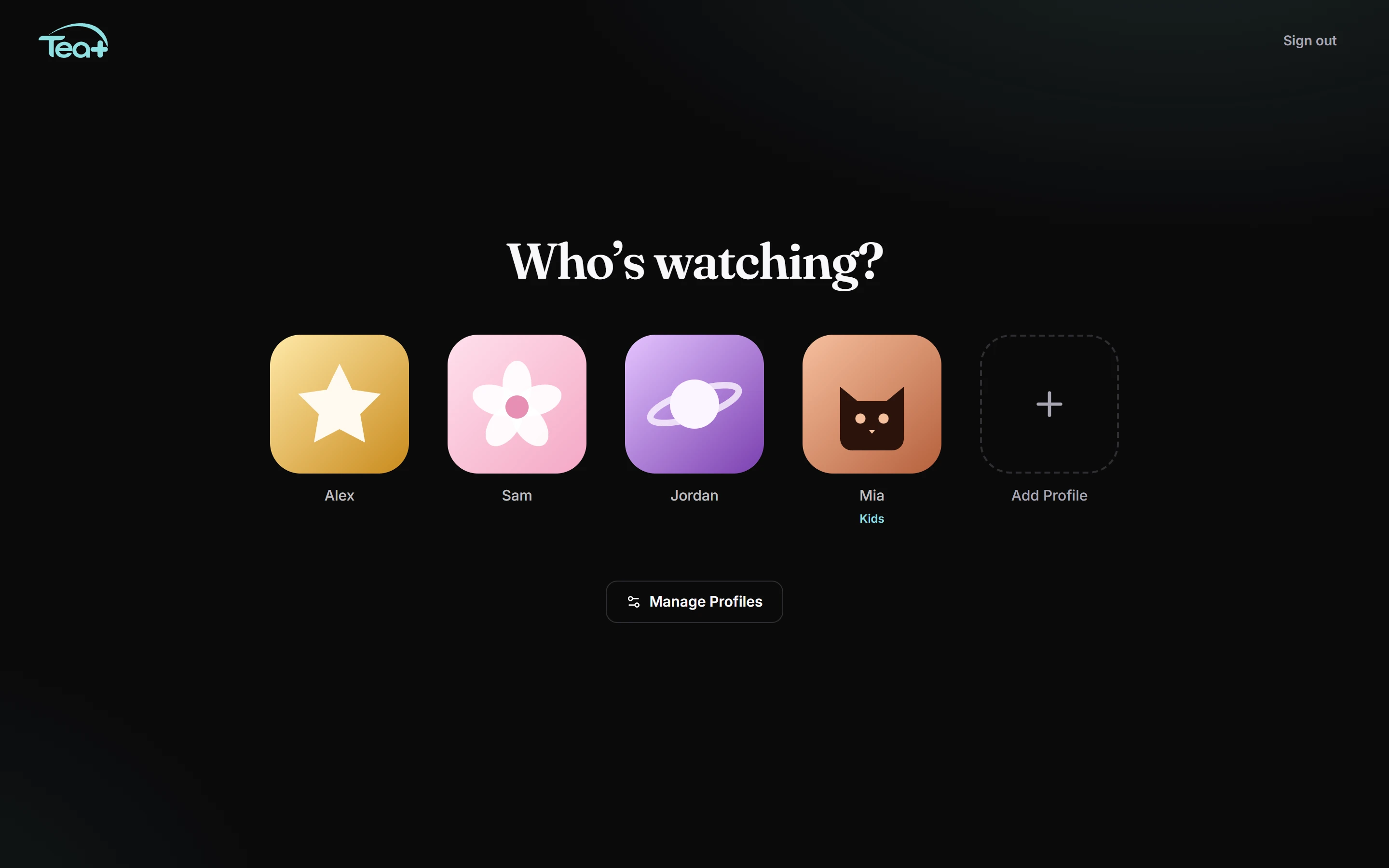
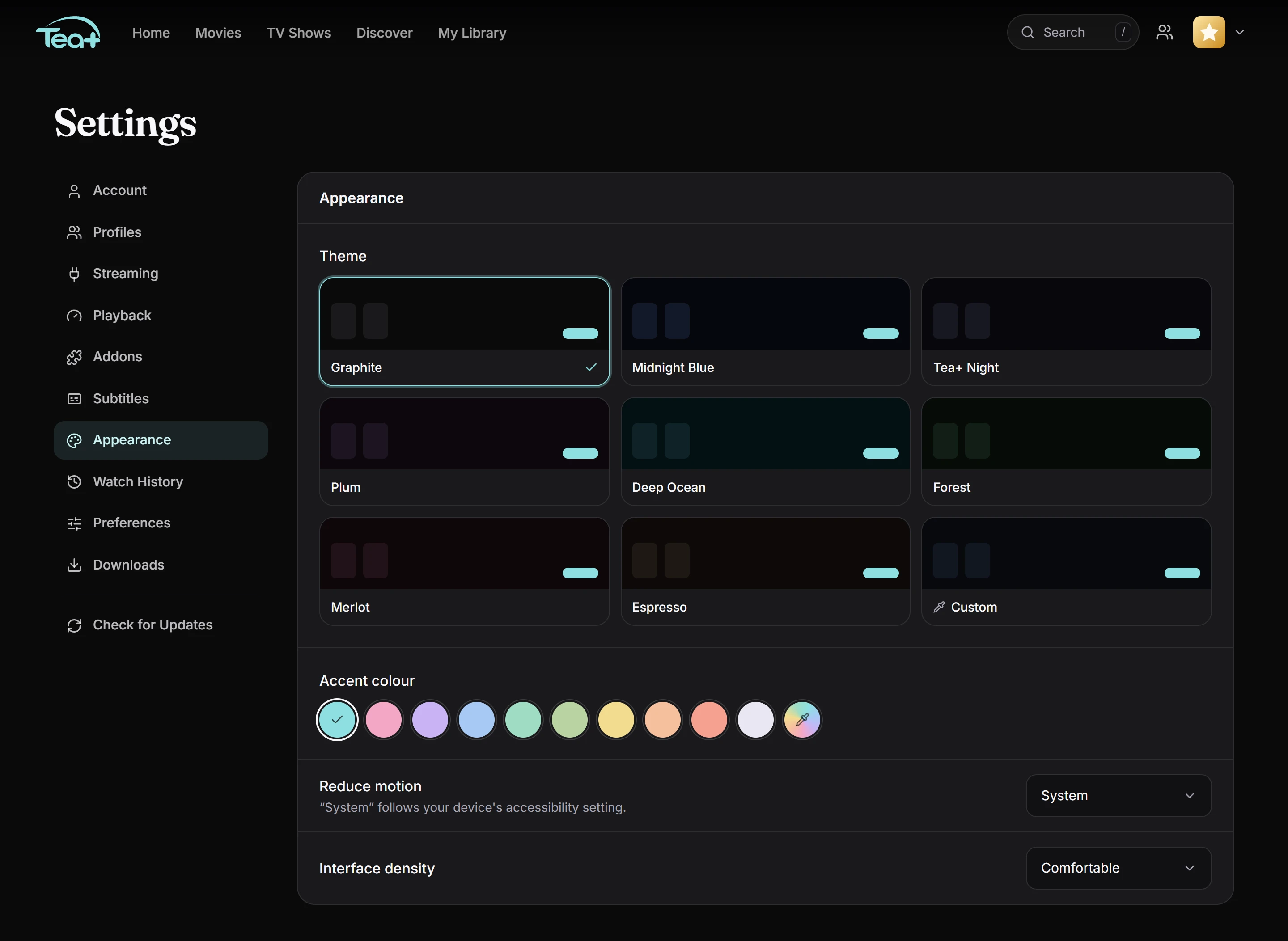
Up to five profiles, each with its own library, history and look. Kids profiles and PINs included.
Save a film or episode to your PC and watch it with no internet. Downloads are encrypted and stay on your PC.
Rate titles, keep private notes, add friends and recommend things to each other.
When a new version is out, a small card shows what's new. One click to update, one click to restart.
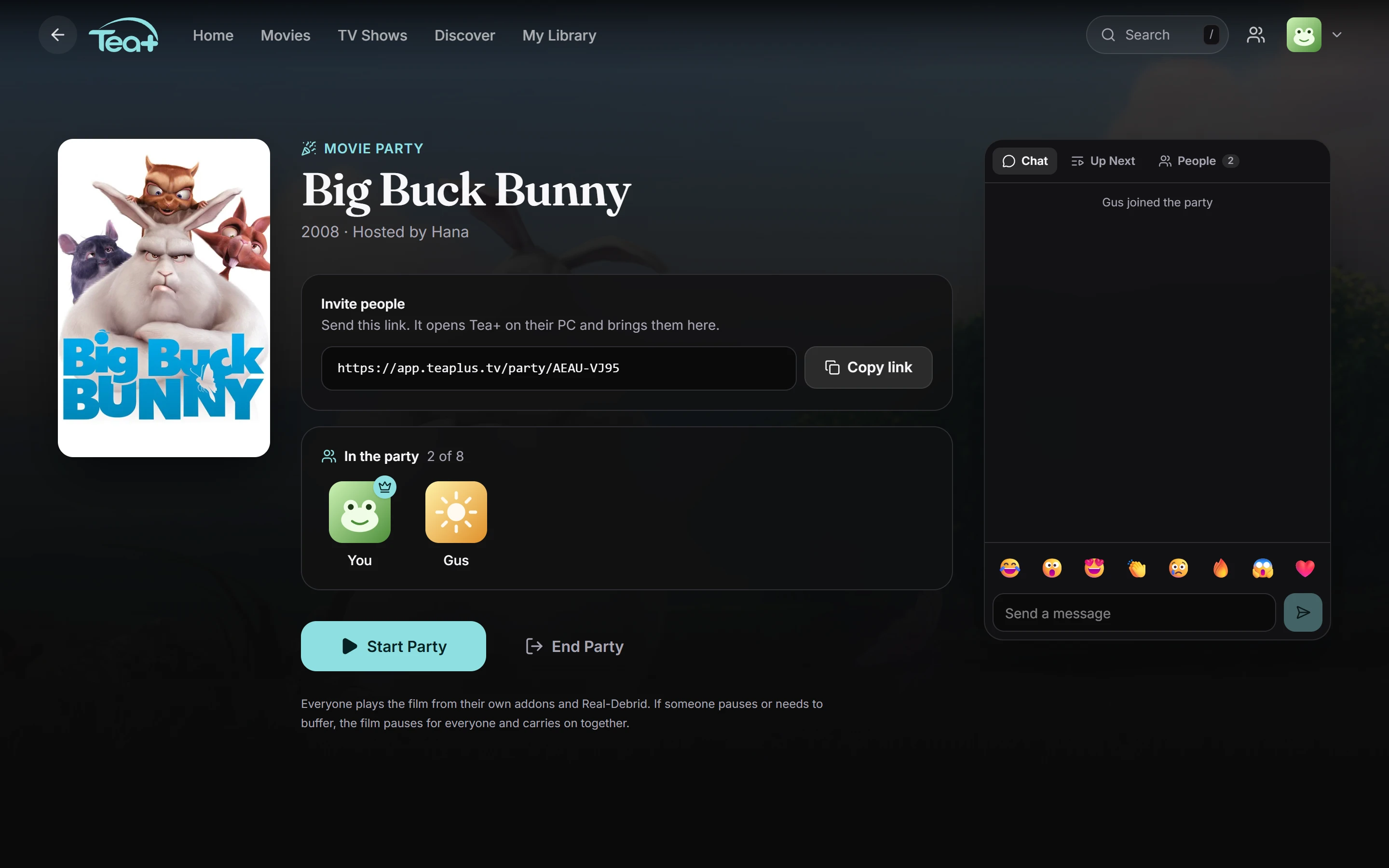
Movie Party
Send a link and your friends join from their own PCs. If anyone pauses or buffers, everyone waits, then the film carries on by itself.
The player
Pick a stream yourself or let Tea+ choose. It remembers where you stopped, and keyboard shortcuts cover everything from skipping to re-timing subtitles.
Take a look around
Getting started
Download the installer and run it. Tea+ opens on its own and adds Start menu and desktop shortcuts.
One account for the household, with a profile for each person who watches.
Connect Real-Debrid and add your addons, or skip and browse first. Then press play.
Free · Windows 10 & 11 (64-bit) · Updates itself
Download the installerFAQ
Yes. Tea+ itself is free. Some services you connect, such as Real-Debrid, are separate paid services you sign up for yourself.
No. Tea+ shows the TMDB catalogue and finds streams through the addons and accounts you connect. What plays depends on them. Only add addons and sources you have the right to use.
You can browse without it. To play, connect Real-Debrid in a few clicks with a device code, or use other services through addons that support them. Tea+ never sees your Real-Debrid password and isn't affiliated with Real-Debrid.
Yes. Sign in with the same account and your profiles, library, ratings and watch history are all there.
Tea+ treats addons as untrusted: it never runs addon code and blocks addons from reaching your private network. Passwords are hashed and your provider logins are encrypted.
Not yet. Tea+ is a Windows app for now.